Comparison Mode
Compare two scan results side by side to track improvements or analyze differences.
Selecting Scans
Choose any two scans from your history to compare. You can compare the same URL at different times (to track progress) or different URLs (to benchmark against another page).
Dual Radar Chart
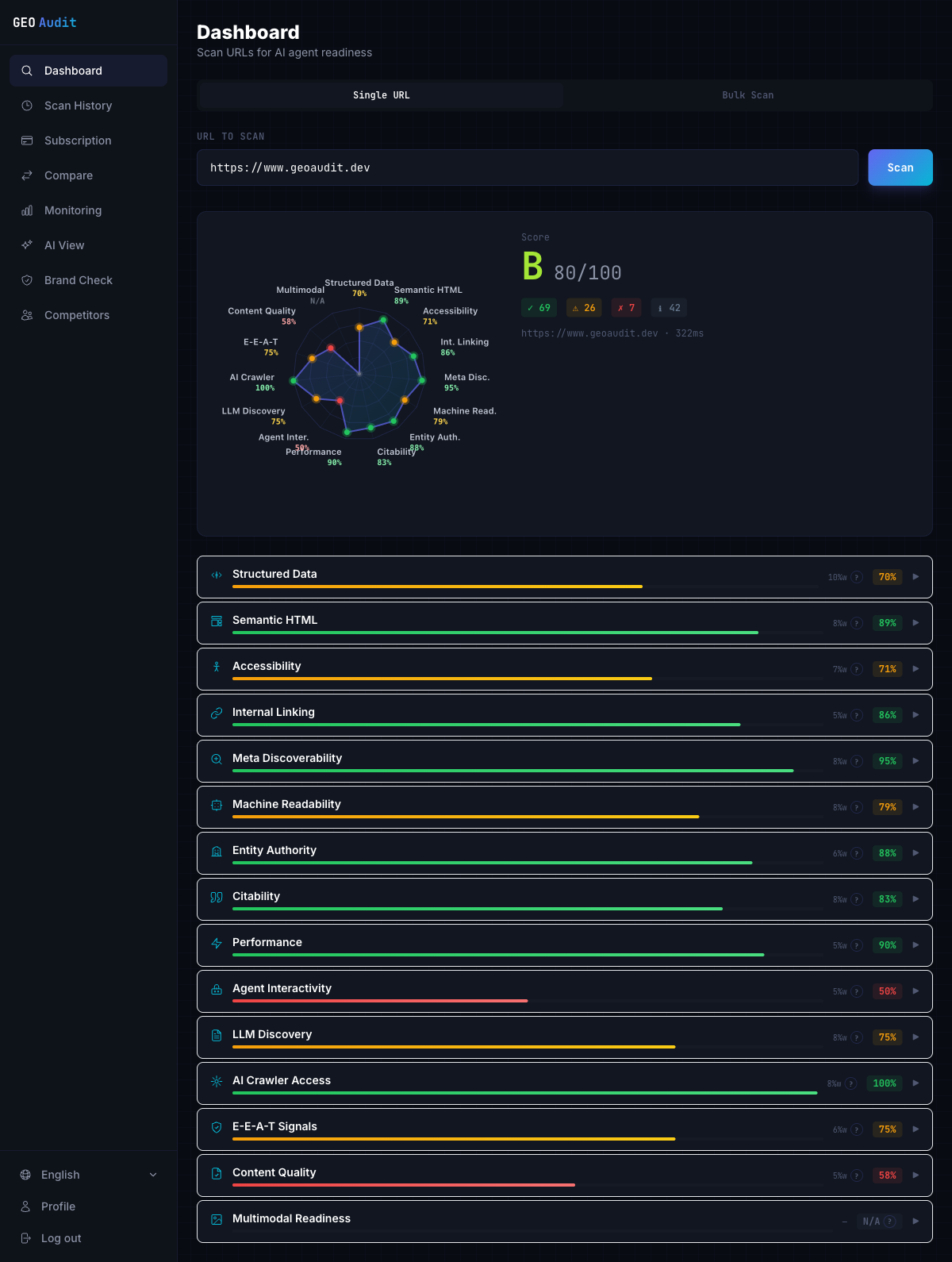
The comparison view shows both scans overlaid on a single radar chart, making it easy to see where one scan outperforms the other across all 15 categories.
Category-Level Diff
Below the radar chart, each category shows the score difference between the two scans with color-coded indicators: green for improvements, red for regressions, and gray for unchanged.
Check-Level Changes
Drill down into any category to see exactly which checks changed between the two scans. Each check shows its status in both scans and whether it improved, regressed, or stayed the same.
TIP